
RuraLink - LinkUp
Travelling Australia doesn’t mean doing it alone.
At RuraLink, we understand that many backpackers travel with friends, partners, or groups — and finding work together can be just as important as finding work itself.
That’s why we’re introducing RuraLink LinkUp.
LinkUp allows users to connect their accounts and apply for jobs together, helping ensure travel partners aren’t separated when opportunities come up. Whether it’s a couple looking for farm work, friends chasing a harvest season, or travel mates searching for their next adventure, LinkUp makes it easier to stay together.
Because the best experiences are often shared.
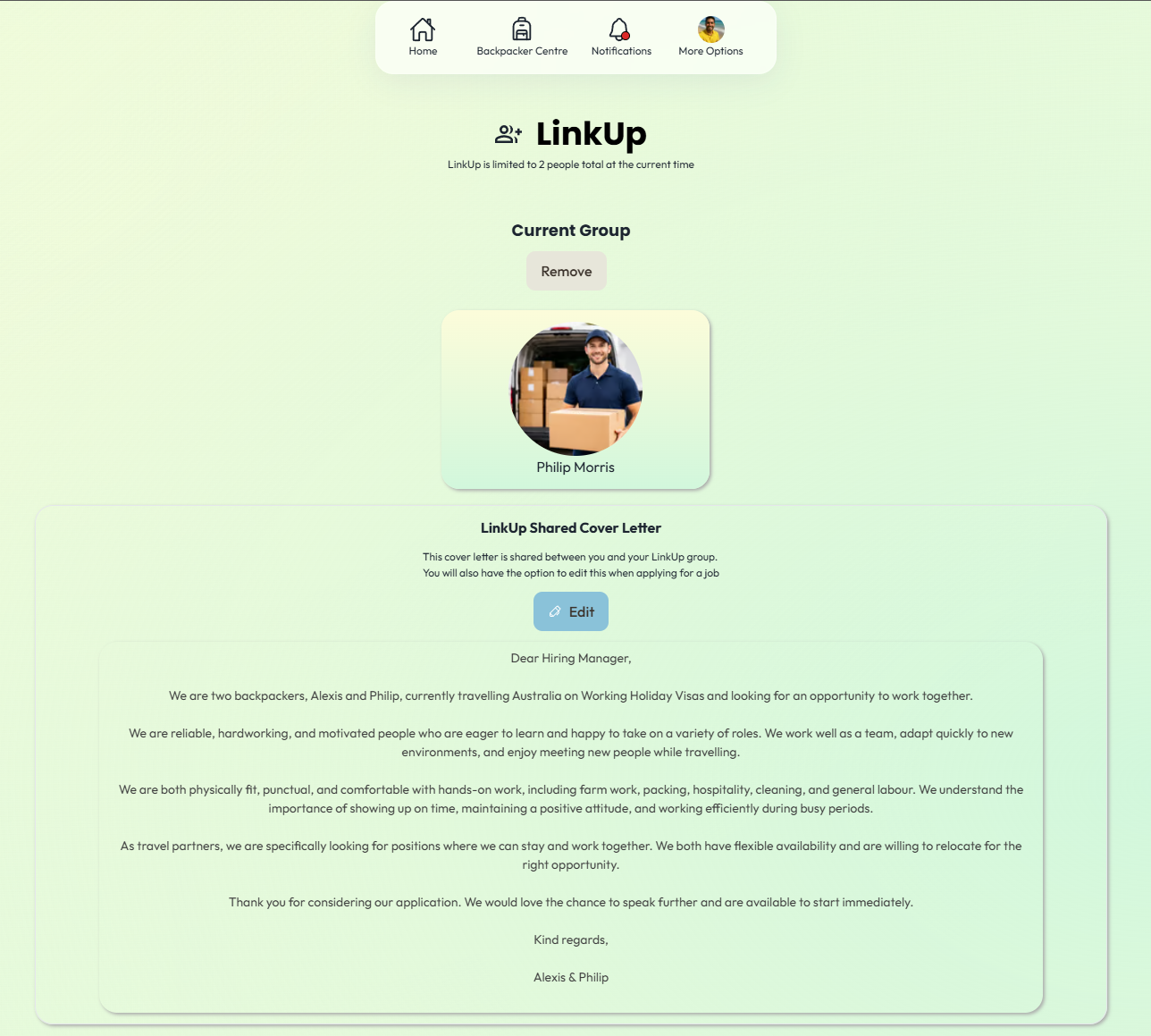
How To LinkUp
When logged in to app.ruralink.au as a backpacker, select ‘Backpacker Centre’
Select LinkUp at the top of the page, next to your profile options
Either copy your LinkUp code and send to your friend, or paste your friend’s LinkUp code.
The person receiving the LinkUp request will get a notification for a LinkUp request.
Accept the request, and you’re all done!
You can then set a cover letter template to use when applying for jobs. This can be adjusted at the time of applying for a job.
Which Jobs Accept LinkUp Applications?
Jobs which can be applied for using LinkUp can be identified in their quick info on their corresponding jobs page. Positions that state more than one position available can be applied for using your LinkUp group.
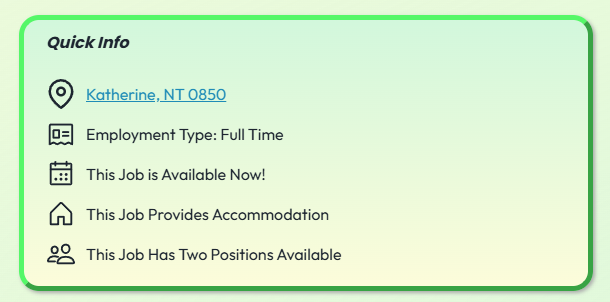
When applying for a job with multiple positions available, you will be able to select ‘Apply For Job with LinkUp Group’, and given the option to edit your cover letter template before applying.
Important Things To Keep In Mind
By using LinkUp, both applicants agree to the terms and conditions of RuraLink. When one user submits a LinkUp application, they acknowledge they are also submitting on behalf of their linked partner.
LinkUp is currently limited to a maximum of 2 linked applicants per application. Support for larger groups may be introduced in future updates following the initial launch period.
Both users are responsible for ensuring the information on their profiles is accurate and up to date before applying for jobs together.
Employers may contact one or both applicants during the hiring process.
Linking accounts does not guarantee both applicants will be accepted for a position, as hiring decisions remain at the discretion of the employer.
Either user can unlink their LinkUp connection at any time through their account settings.
Users should only LinkUp with people they personally know and trust.
Both applicants should ensure they meet any visa, licensing, transport, or accommodation requirements listed in the job posting.
Abuse, spam applications, fake accounts, or misuse of the LinkUp system may result in account restrictions or removal from the platform.
RuraLink may monitor LinkUp usage and feedback during the rollout period to improve functionality and platform safety.